Emma Berg, 34
Project manager, back to strength training after a busy few years.
Goal: deadlift 80 kg and feel energetic again.


The Zoe client app
Follow Emma through twelve weeks with her coach, from her first login to her strongest deadlift. Every screen is the Zoe client app, in her coach's brand.
Project manager, back to strength training after a busy few years.
Goal: deadlift 80 kg and feel energetic again.
Strength and nutrition coach at Northform Coaching, Stockholm.
Coaches Emma through a 12-week strength block.Forest green and warm sand. Their brand, on every screen of Emma's app.
Zoe stays behind the scenes.Day 1 · Welcome
Emma downloads Zoe and signs in. Your logo, colours and name take over, your onboarding questions come first, and your welcome message and guide arrive right on time.
Week 2 · Home
Emma's week, her Garmin steps, the check-in that's due and her daily habits are the first thing she sees. Food, weight and habits log straight from home.
Week 3 · Training
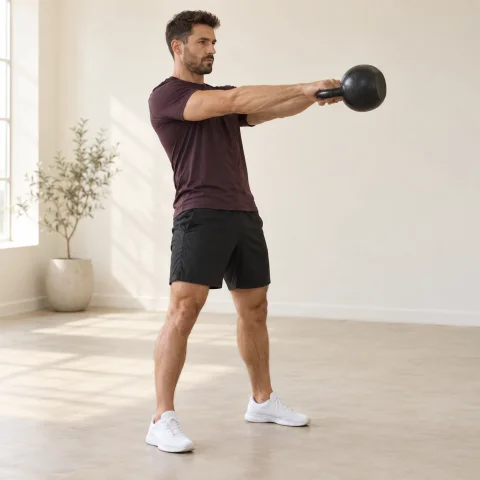
Emma follows your program with demos, targets and last time's numbers. She logs weight, reps and RIR, rests on the timer, and finishes with a summary that spots her new deadlift best.
Week 4 · Nutrition
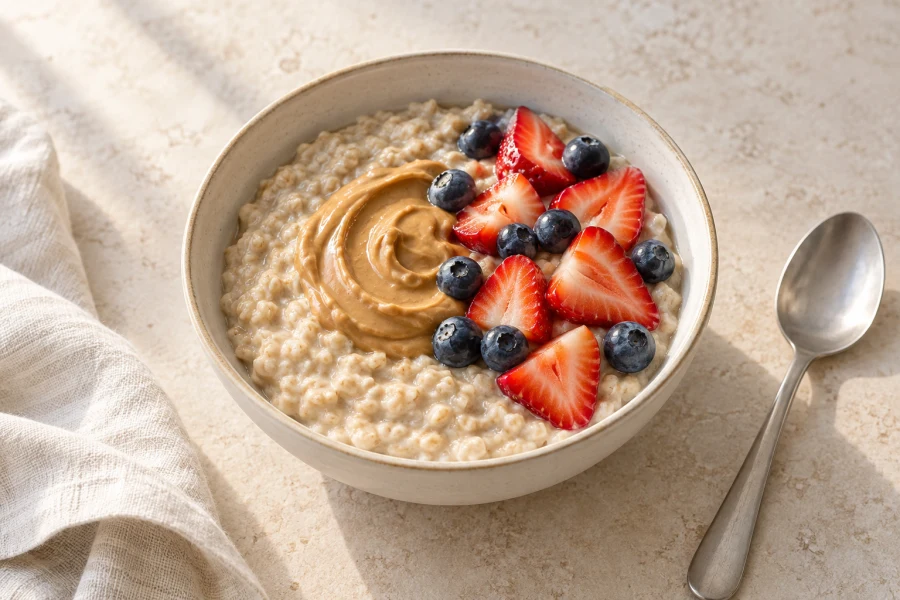
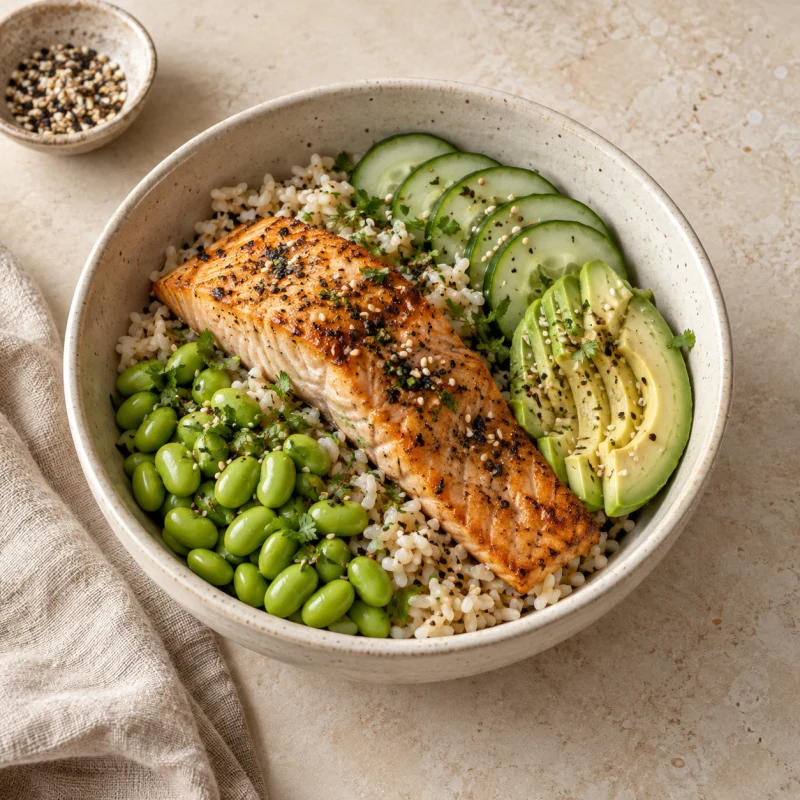
Emma snaps her lunch and describes it. AI estimates each ingredient, she checks the portions, and her day updates. Barcodes and a shopping list from her meal plan cover the rest.
Week 4 · Check-in
You build the form: weight, body measurements, scales, progress photos and your own questions. Answer paths add a follow-up only when an answer calls for it, so Emma never sees a question that doesn't apply. She submits, you review, and your feedback lands in the same app.
Week 6 · Messaging
Emma films her squats and asks for a form check. You answer with a voice note and a few words. It feels personal, and nobody had to book a call. When something in the app itself needs help, Zoe's support team is one tap away, so you never become the IT department.
Week 8 · Courses and offers
Courses with lessons and quizzes, your files and guides, and your partner offers. Everything you share lives in your app.
Week 9 · Community
Stories, photos and conversations in a private community under your brand. You post, schedule and choose who sees what. Clients like, comment and reply, and if you allow it, share their own posts and stories.
Week 12 · Results
Every workout, weigh-in and check-in adds up. Emma watches her deadlift climb from 50 to 80 kg, her waist measurement come down and her energy scores rise, and you see the same story.
Your rules · Client by client
Every part of the app has a switch in your workspace. Set it for the whole team, then adjust it for one client: hide calories for someone who's better off without them, or turn off the community for a client who wants to keep things private.
Every client · Every coach
The app takes on each coach's logo and colours, and serves clients in Danish, English, Finnish, German, Norwegian, Spanish and Swedish.
In every client's pocket
COACHJF · Jonathan Fogelberg
Jonathan needed a platform for the business he had already built. Zoe worked alongside him to move COACHJF and support the team’s everyday coaching.
“Zoe just works. Managing clients is seamless, and they love the app so much they want to keep it after coaching ends. We’ve even shaped new features with the team—they listen and move fast.”

More than 5,000 clients helped over his coaching career, with a coaching operation already in place.
We worked directly with Jonathan to understand his operation and plan the transition.
COACHJF runs its coaching on Zoe, with a direct relationship with the people building the product.
Your coaching. In their pocket.
Book a free 30-minute Scale Plan conversation. We'll walk through the product, your workflows, pricing and your move to Zoe.
Get my Zoe Scale PlanPersonal migration · Responsive support · Declining per-client pricing · 0% revenue share
 Strength Foundations
 1
 A
 B
 3
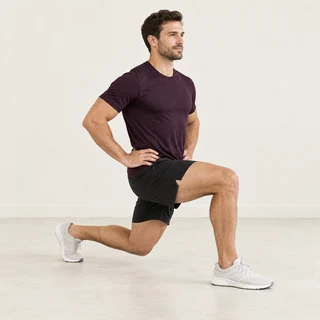


Carrying the shopping up four floors without stopping 😄
Just now · ReplyThat's exactly why we train 🙌
Just now · ReplyTaking the stairs at work. No more lift for me.
1 hours ago · Reply